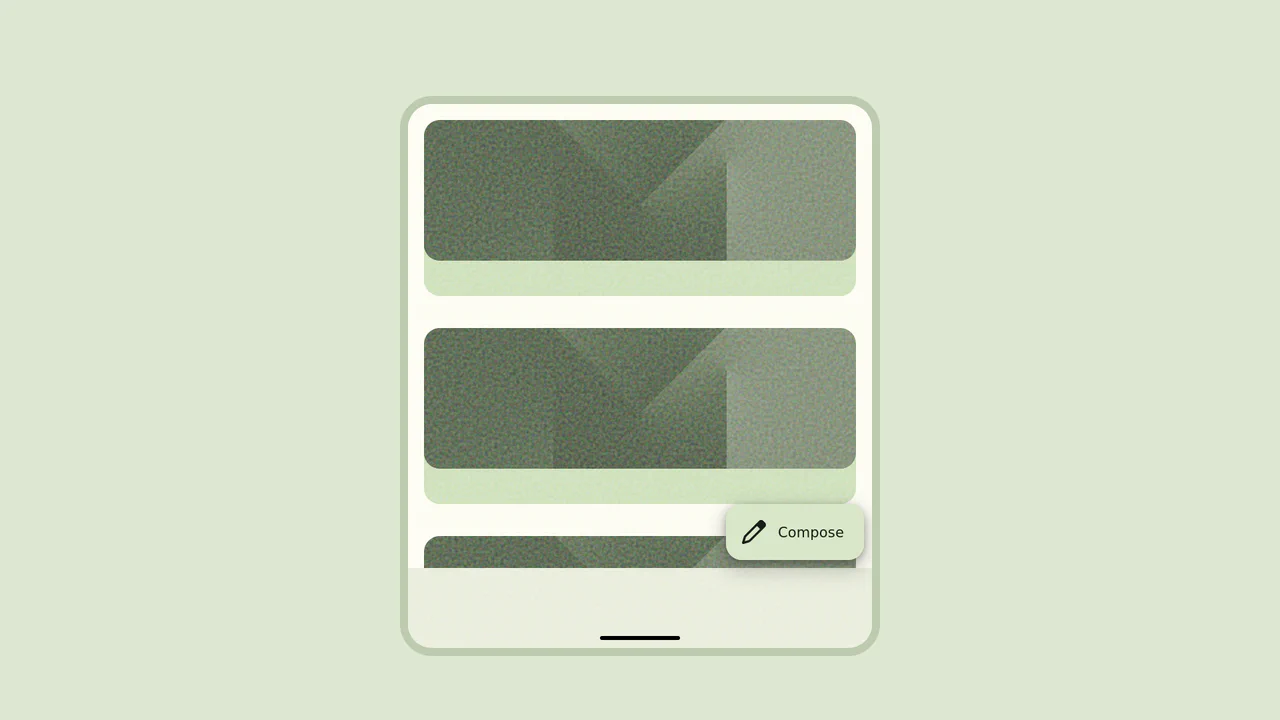
Material 3 Floating Action Button (FAB)
About
This snippet demonstrates a material 3 floating action button (fab) built using CSS pseudo-elements, transitions, and hover states. It focuses on delivering a clean, responsive, and interactive user interface suitable for modern web applications.
The implementation emphasizes performance and maintainability, using structured HTML and optimized styling to ensure smooth rendering across browsers.
Key Features
- Efficient Implementation: Built with CSS pseudo-elements, transitions, and hover states for optimal performance.
- Responsive Layout: Adapts seamlessly to different screen sizes.
- Customizable Design: Easily modify styles, spacing, and behavior.
- Reusable Component: Suitable for call-to-action buttons, forms, and interactive UI elements.
View and customize the full implementation here: View Source Code.
This snippet is ideal for developers looking to implement button-based UI patterns in modern frontend projects.
Built for the Morphing Effects category, so the structure is already aligned with that UI pattern.
Uses HTML, SCSS, JavaScript so you can drop the same stack straight into your project.
Browser support notes mention Chrome 49+, Edge 15+, Firefox 43+, Safari 10+.
Use this page for
Scanning the snippet quickly before you open the live demo.
Opening the CodePen or source link when you need the full markup and styles.
Jumping to adjacent categories when you want variations on the same pattern.